The scene
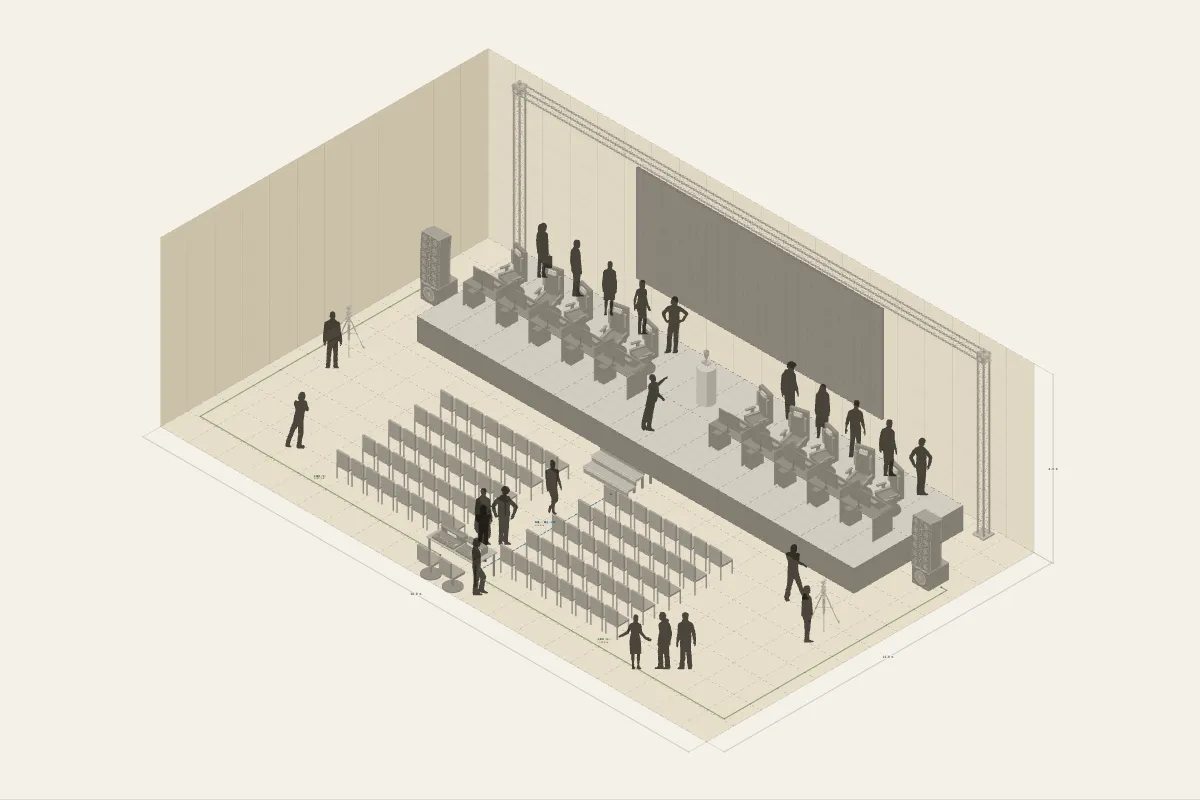
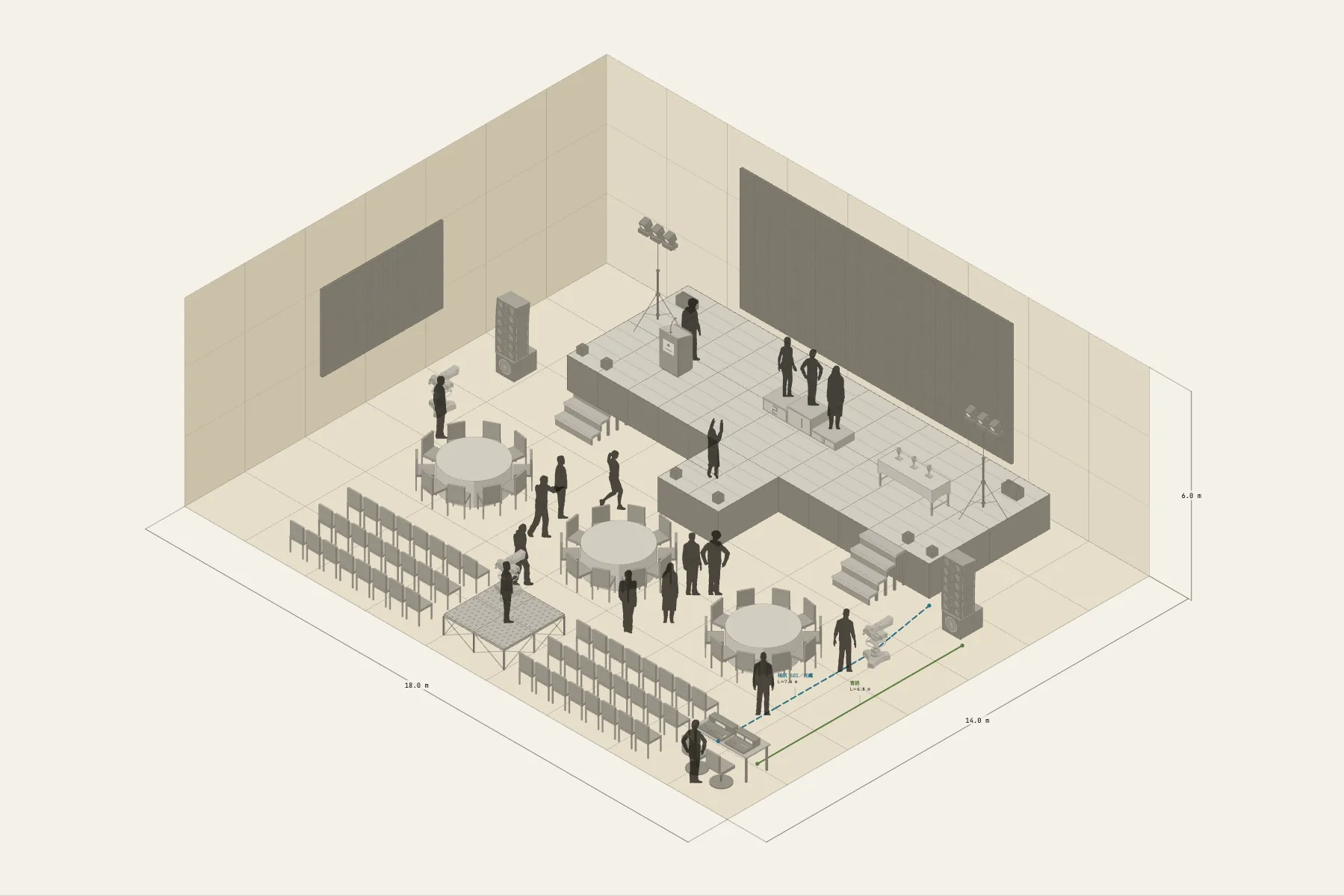
An awards ceremony on an arena floor. Behind the stage is a 9 m LED wall, and a thrust extends from the front. Winners come up the steps at the side and walk to the podium to collect their award, with cold spark machines along the stage edge. In front of the stage are three round tables, then rows of seats, and at the back a platform where three cameras cover the broadcast.
When it helps
- You need to confirm with the venue that the stage and LED wall fit the arena floor.
- The director, broadcast and sound and lighting teams need one drawing to plan camera positions and movement from.
- You need a seat count and the route the winners take on and off stage.
What’s already laid out
- A 12 × 4 m main stage with a 2 × 2 m thrust at the centre of its front edge.
- An LED wall, 9 × 4 m, at the back of the stage.
- A three-step podium with six cold spark machines along the front edge.
- Three round tables at the front, rows of seating behind, and a platform at the back for broadcast cameras and the sound desk.
- Two cable runs: video from the broadcast position to the stage, and audio on its own run.
- Plus 17 figures for scale and circulation. If you don’t need them, delete them all in one go.
Making it yours
- Press “Start from this one”. The template opens in the editor as your own drawing; whatever you change, the original template stays as it was.
- The stage is painted in grid squares; paint another row to extend it and the deck count recalculates.
- Change the LED wall’s width and height directly and the panel count in the list follows.
- Rows and seats per row are adjustable. For a different venue, change the floor’s width and depth first.
- For anything missing, press Components at the bottom: search by name and click to place it. Select what you don’t need and press Delete.
- When the layout is right, press Download at the top right to save it as an image, then drop it into a deck or send it as it is.
What to settle first
- Lay the stage first. The main stage and the thrust are one surface, drawn together.
- The LED wall goes at the back edge, a little off the wall to leave room for cabling.
- Put the podium and props on stage and check how the winners get on and off.
- Seat the audience from the front back, with the broadcast platform behind the last row.
What you end up with
- A layout drawing
- Download it as a PNG or JPG, at a resolution that holds up in a deck or a proposal.
- An object list
- The name and quantity of everything on the drawing. Change the drawing and the list changes with it.
- A length for every cable
- Power and signal runs have a length as soon as they are drawn. Order from those numbers.
- A link to send
- Once you sign in, the drawing can become a link that opens in any browser.